Current Air Quality and Tomorrow’s Forecast Answer Different Time Questions
Two air-quality displays can disagree without either being a simple error. One may summarize current conditions while another predicts a different time period. Before choosing which tile to trust for a plan, read the timestamp, location and label that explain what each value is intended to represent.
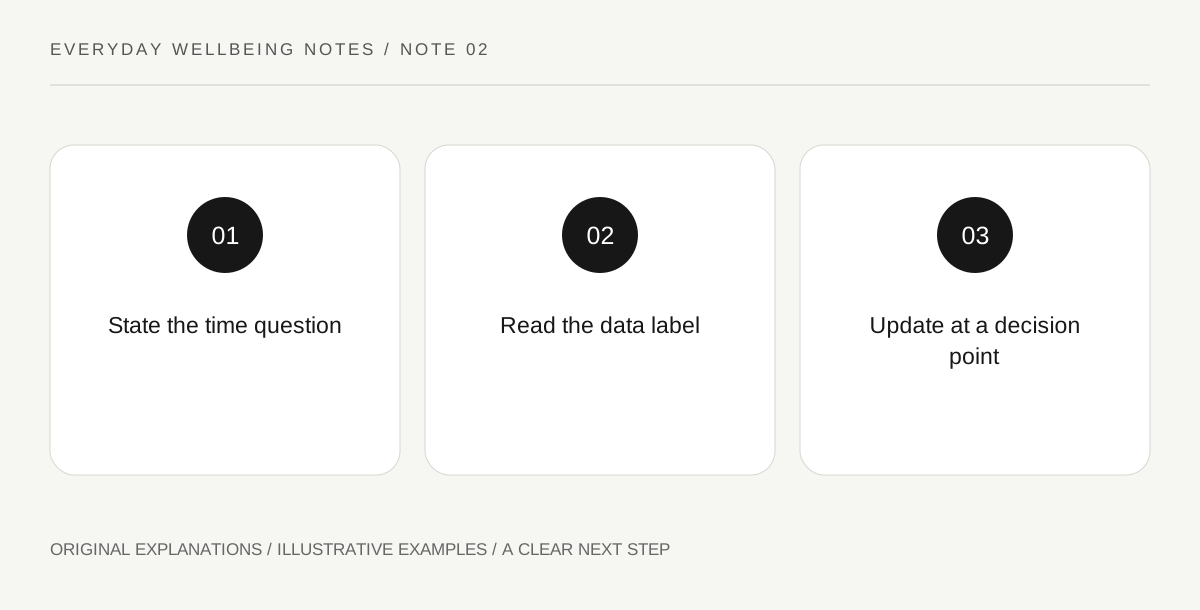
Original explanatory diagram. Read the full method and limitations below.
Name the planning time
Write down the time you are trying to understand: leaving now, an afternoon event or tomorrow’s appointment journey. AirNow distinguishes current NowCast information from forecast AQI. That distinction gives you a way to choose a relevant display without assuming the newest-looking number always answers every future question. A current reading is useful context, but it is not automatically a prediction of conditions many hours later.
Read the displayed time rather than the screenshot time
A screenshot records when somebody captured a screen; the data on it may refer to an earlier update or a future forecast day. Inspect the actual time label and any time zone information. If the display is cached or the timestamp is missing, open the official service directly when possible. Do not assign a fresh timestamp to old data simply because it was forwarded in a new message.
Compare location and information type together
A regional forecast and a nearby current-condition display can differ in area as well as time. Record both distinctions before deciding they conflict. If an app combines several tiles, identify which one you are reading instead of copying the largest visible number. Keep pollutant and category information attached where provided. This makes a later planning conversation clearer than saying that one app is wrong and another is right.
Choose an appropriate update point
For a future activity, use the relevant forecast and arrange a practical point to check current guidance again before departure. The update should serve a decision, such as whether an organizer changes the plan, rather than become constant refreshing with no possible action. Follow local alerts and existing professional advice as needed. An improved information routine cannot guarantee future conditions; it simply keeps the plan connected to the right time question.
Illustrative worked example
Illustrative example: A reader compares a current tile for the home area with a forecast for the next day’s destination and sees different colours. Recording the time and place reveals that the displays are not competing measurements of the same situation. The reader keeps the destination forecast for planning and checks its current information before leaving. No specific forecast result or health outcome is claimed in this fictional exercise.
Questions that come up
Should I ignore a forecast when current conditions look different?
No. They describe different time questions. Use the appropriate display for the decision and check official updates as the planned time approaches, while following any relevant current alerts.
Does a saved screenshot stay useful?
It can document what was shown at a stated time, but it does not update itself. Keep its original date, location and information type visible and obtain current guidance when a new decision depends on present conditions.
References and scope
These sources support the factual background. Examples and exercises are original illustrative teaching material. References do not imply endorsement.
- AirNow: using the AQI — Forecast AQI and current NowCast information answer different time questions.